For Parenting
Turn five more minutesinto a shared cue.
Instead of stopping play suddenly, watch “when the sand runs out, it is bath time” together. A transition timer that shows what comes next.

One Small Moment
Between “keep playing” and“it is almost time.”
Before repeating the reminder, put the remaining time and what comes next together on one screen.
How It Works
Set it. Watch together. Move on.
The time and next action stay on the same screen, so parent and child can share the same cue.
- 1
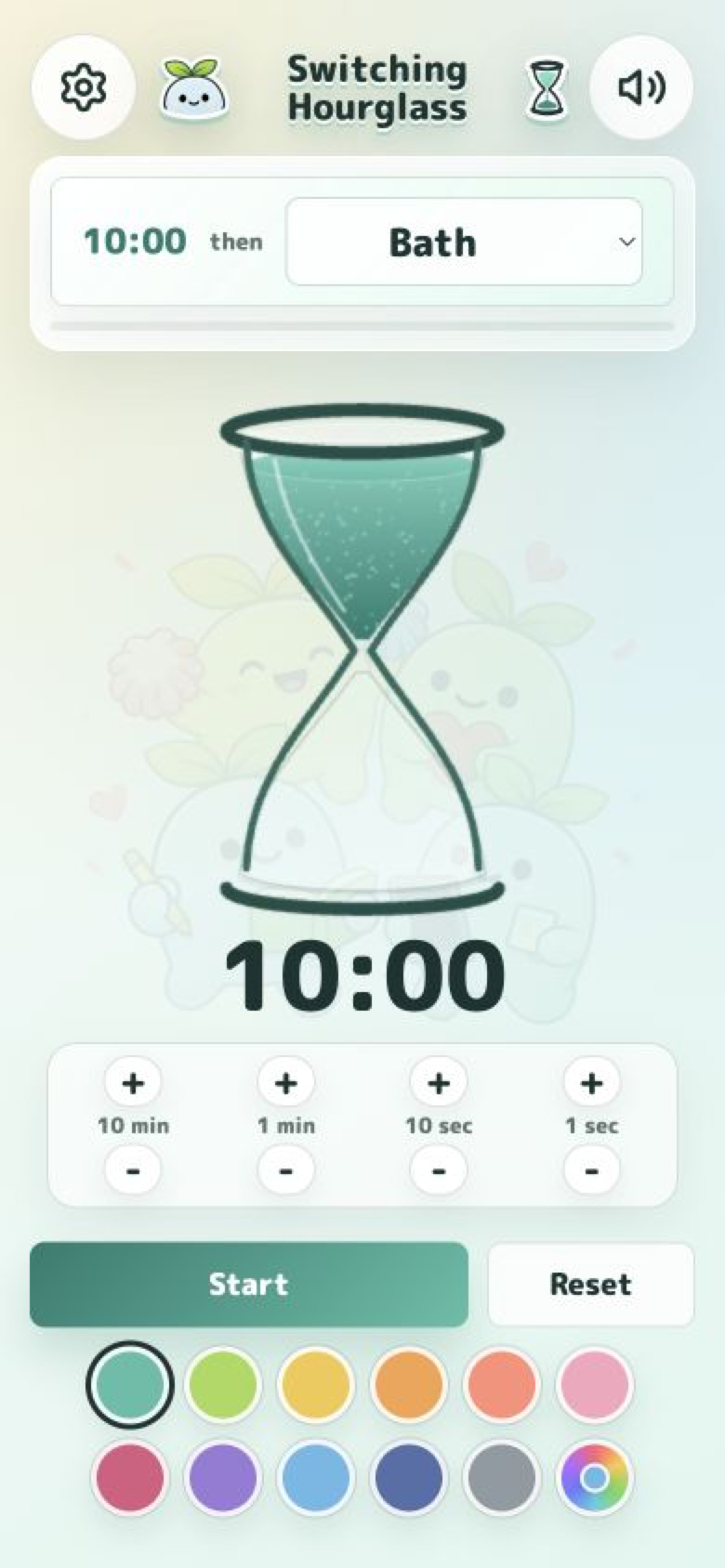
Set the time and next action
Adjust the time for the moment, then choose bath time, cleanup, or another next step.
- 2
Watch the sand together
Share the remaining time as a visual cue instead of relying only on another spoken reminder.
- 3
Use sound and the completion screen
When the sand runs out, the selected sound and screen signal that it is time to move on.

Start with the next“five more minutes.”
Download from the App Store and use it in the next everyday transition.

Japan App Store: release sale JPY 300 (regular JPY 500). One-time purchase with no automatic renewal. View sales terms
